
Process Overview
How Quasz AI Works 24/7 For Chats
Receiving Messages
AI Generation & Validation
Actions Execution
Message Response & Activity Record
LINE AI Agent Abilities
Abilities & Use Cases
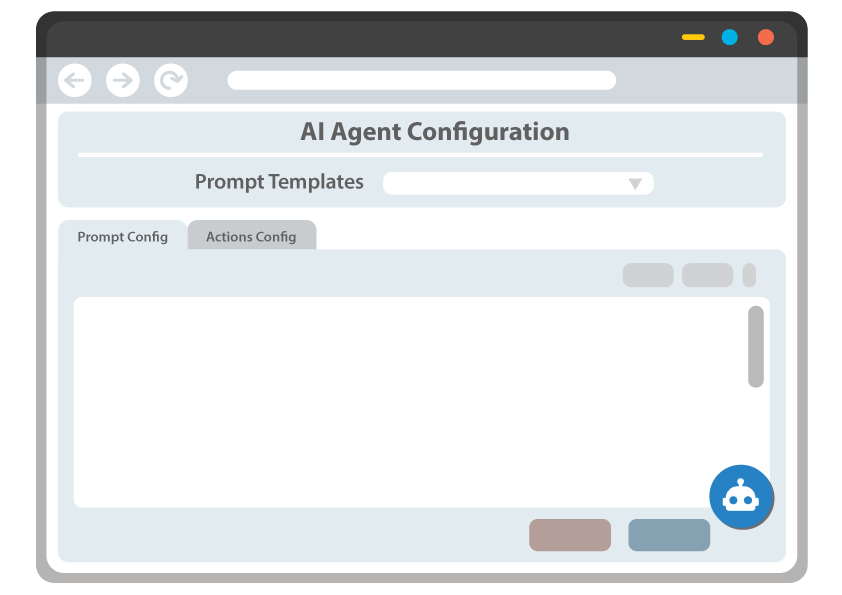
AI Agent Configuration UI
Easy Prompt Tools
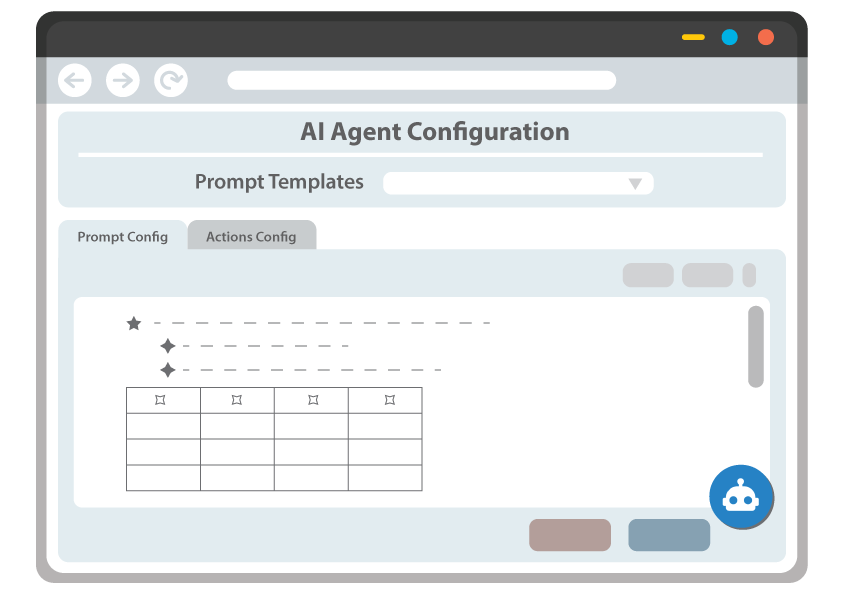
- Flexible Richtext Editor
Edit your prompt with a versatile text editor supporting Visual, Markdown, and HTML modes. Copy and paste directly from spreadsheets (MS Excel / Google Sheets) and documents (MS Word / Google Docs) — tables and formatting are automatically cleaned up.
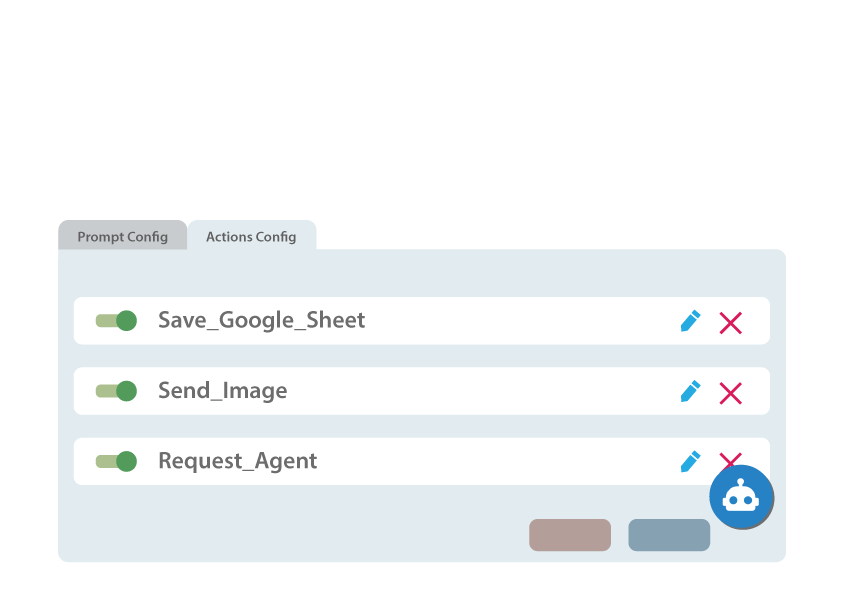
- Actions Configured As Cards
Build interactive action cards for your chatbot — display carts, process orders, send images, and more. Add, edit, remove, or attach addon cards to customize every response your AI delivers.
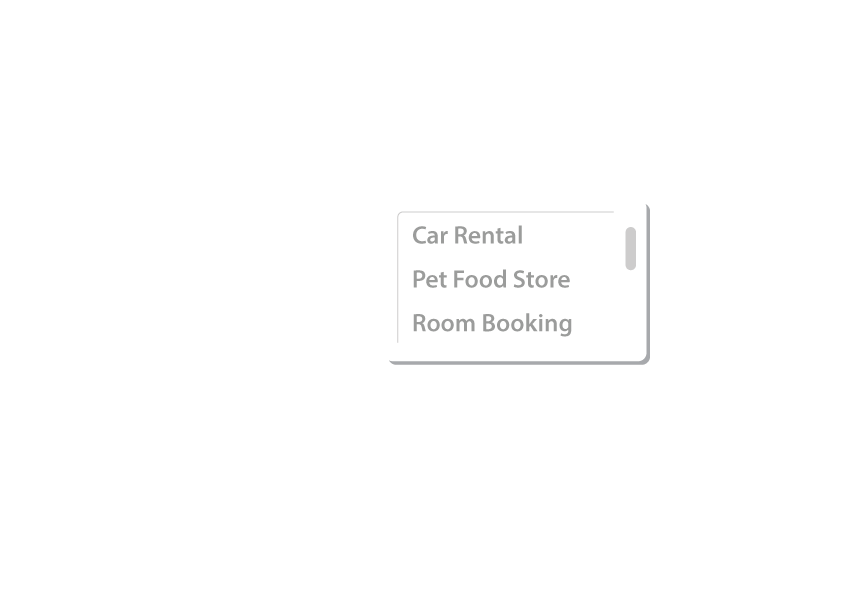
- Starting Prompt Templates
Choose a ready-made prompt template that matches your business type — e-commerce, hotel, restaurant, and more. Preview, apply, and customize well-structured prompts and action cards to get started fast.
Configuration Assisted By AI
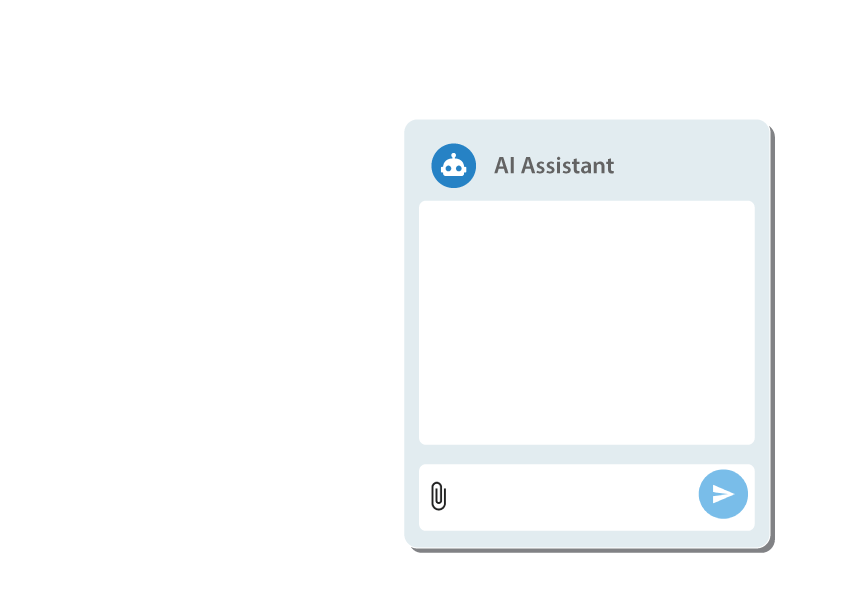
AI Assistant For Setup
- Built-in AI Chat Helper
Get instant answers and configuration suggestions right from the chat panel. Ask questions, request changes, and let the AI assistant guide you through setting up your chatbot, no technical expertise needed.
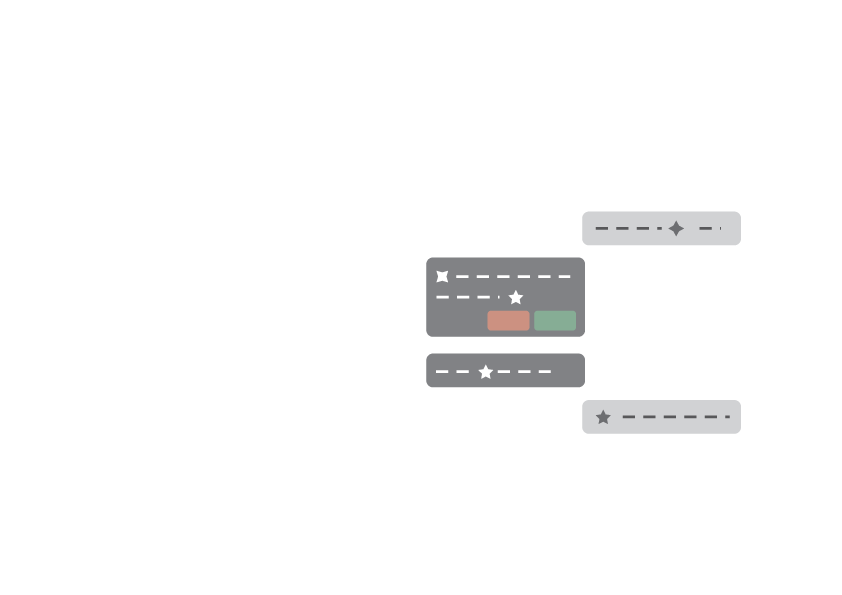
- Review & Apply Proposals
The assistant doesn’t just advise, it proposes ready-to-apply changes to your configuration. Review the exact changes in a clear dialog, then accept or reject with one click.
- Upload Files, Build Configs
Upload product catalogs, spreadsheets, PDFs, or images directly in the chat. The AI reads and analyzes your files, then helps turn them into structured prompts, product lists, and card configurations — saving hours of manual work.